Make workflows
Configure Make starter blueprints for website leads, Google Sheets reporting and pipeline stage alerts with CLP API keys and signed webhooks.
Read the setup guide for make workflowsIntegrations
Connect seller lead sources, reporting, agreements and property data alongside your team's phone, email and calendars.
Integration guides for investor teams
Connect lead sources, Make and n8n workflows, Google Sheets, signature requests, property data, phone, email and calendars with practical setup guides.
Configure Make starter blueprints for website leads, Google Sheets reporting and pipeline stage alerts with CLP API keys and signed webhooks.
Read the setup guide for make workflowsImport n8n starters for website lead capture, new-lead spreadsheet reporting and signed Offer Ready stage alerts from CLP.
Read the setup guide for n8n workflowsRoute Carrot website form inquiries into a selected CLP pipeline stage using Carrot's documented Zapier route and a private intake webhook.
Read the setup guide for carrot seller formsConnect the CLP Zapier connector by invitation when available, or use Webhooks by Zapier with CLP API keys and lead sources.
Read the setup guide for zapier setupConnect Google Sheets, preview and map lead columns, import with duplicate checks, and append lead or pipeline reporting exports from CLP.
Read the setup guide for google sheets import and exportConnect your DocuSign account, review a deal agreement and signer, send for signature, and retain completed documents on the CLP deal.
Read the setup guide for docusign deal agreementsConnect a licensed ATTOM API key, review property facts, last recorded sale and eligible nearby sold comps, then apply selected data to a CLP deal.
Read the setup guide for attom property lookupConnect smrtPhone to CLP for seller SMS, scheduled texts and eligible campaign follow-up. Set up webhooks, verify numbers and assign acquisition team lines.
Read the setup guide for smrtphone textingConnect Gmail or Google Workspace to CLP. Send seller emails from your own address, keep replies threaded, and check mailbox sync and sending limits.
Read the setup guide for gmail seller emailConnect Google Calendar to CLP for seller calls and property visits. Choose conflict calendars, write CRM appointments, and manage linked event changes.
Read the setup guide for google calendar appointmentsConnect your own Twilio account to CLP for seller calls and eligible SMS. Review registration, numbers, callbacks and how an active smrtPhone connection affects routing.
Read the setup guide for twilio calling and textingBefore you connect anything
Choose what you use. Get a clear setup route, what to check first and the right guide for each connection.
Explore in any order.
This explains the route. It does not connect accounts or check whether your provider is ready.
Your routes appear as you choose. “No tool yet” and “Not sure” are useful answers too.
Reply from your own phone numbers and mailboxes. Keep seller conversations together in the inbox.
Connect your account for supported calling and texting. Texting requires approved registration, eligible numbers and a ready account.
Use verified numbers for eligible Inbox, scheduled, campaign and automated texts through your activated smrtPhone connection. Review sender readiness and delivery outcomes.
Email from your address, connected with Google sign-in
Your business Gmail, connected with Google sign-in
Sign in with Microsoft to email from your address
Your work mailbox, with Microsoft sign-in
Zoho, GoDaddy, Titan, Hostinger and more
Route new inquiries into your pipeline from listing emails, ad forms and your website.
Lead emails
Lead emails
Lead emails
Lead emails
Lead emails
Bring leads from Facebook and Instagram forms. Contact support if Connect Facebook is unavailable in your workspace.
Leads from Google Ads lead form assets
A chat bubble for your site that lands in your inbox
Route your website forms through the documented Zapier webhook setup
View setup guide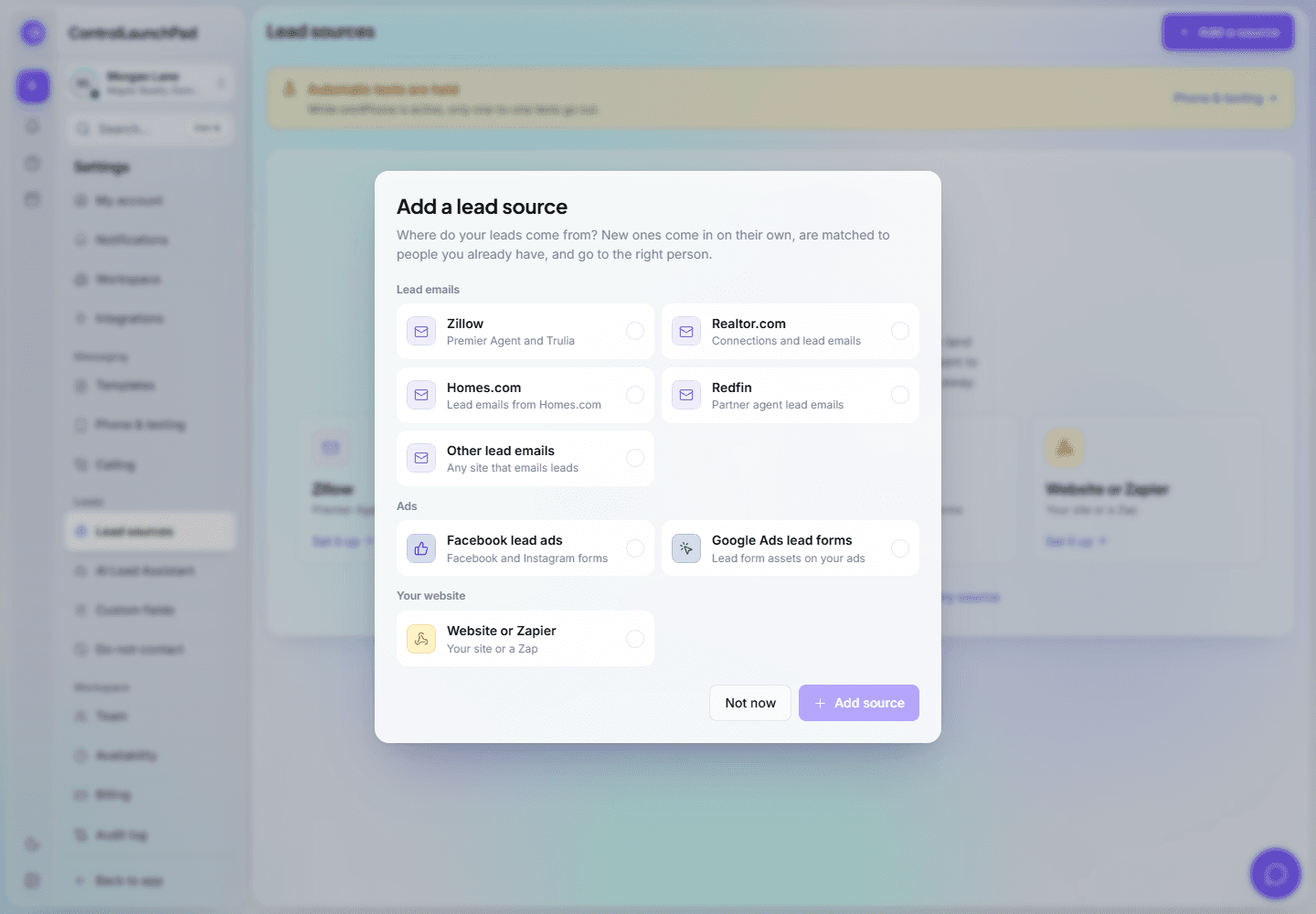
Choose which calendars block your booking times so sellers only see time slots you can take.
Busy times and appointments
Busy times and appointments
Keep custom tools in sync, send events to your stack or bring leads in through a webhook.
Read and write leads, deals and tasks
Signed events to any web address
Use the CLP connector by invitation, or connect through Webhooks by Zapier
View connection optionsImport starter blueprints for lead capture, reporting and stage alerts
Use a starter blueprintImport workflows for lead capture, signed events, reporting and stage alerts
Use a starter workflowPreview spreadsheet leads, send a reviewed agreement and bring licensed property evidence into your deal analysis.
Preview and import mapped lead rows, or append a reporting export
Connect Google SheetsConnect your account to send a reviewed deal agreement for signature
Connect DocuSignReview property facts and eligible sold comps using your licensed API key
Connect ATTOMImport a CSV export from your current CRM, with ready-made column matching for Follow Up Boss, HubSpot, Pipedrive and GoHighLevel. Check it with a dry run first, and undo the leads an import added within 24 hours.
Names belong to their owners and are listed to say what ControlLaunchPad connects with. The REST API and event webhooks are on Pro and up.
See how your connected tools work with lead capture, follow-up, booking and deal tracking.