How can a real estate investor organize seller lead follow-up?
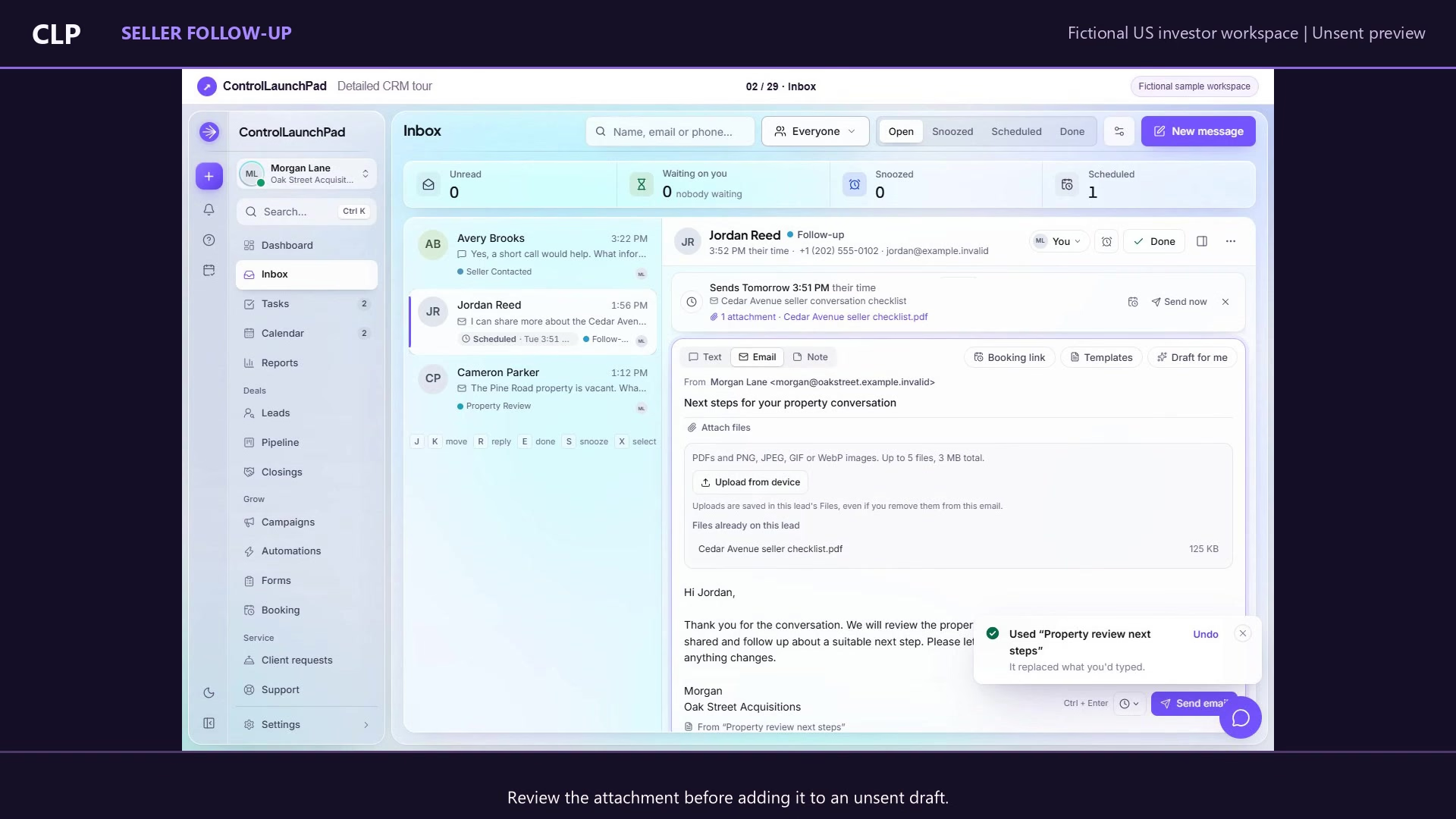
Review the latest conversation, assign an acquisition owner, and record one useful next action with a due time. Use a ready connected mailbox for email. Before enrolling a lead in a nurture campaign, choose its sending windows and whether a new booking should stop it. Genuine text, email or chat replies automatically stop remaining campaign actions; review the next personal follow-up separately.
Open larger screenshot
Before you start
- An existing seller lead with contact preferences, property context and an assigned owner.
- A working mailbox connection for the person sending email; campaign emails use the lead owner's mailbox.
- Pro or a higher plan for nurture campaigns. Manual tasks and supported individual messages can be used separately.
Put the workflow into practice
Read the latest context before choosing a message
Open the seller's history and identify the question still waiting for an answer. A request to reconnect after a move-out date needs a different action from a seller who already booked a call.
Record the current reason for follow-up and any contact preferences.
Assign one acquisition owner
Choose the teammate responsible for the next conversation. Check whether another person already has an open callback task so a shared inbox does not produce two competing follow-ups.
Confirm the lead owner and the assignee of the next task.
Turn the question into a dated task
Name the action precisely, such as confirm access with the co-owner. Use the time and time zone agreed with the seller. The free follow-up planner can help work out callback dates; create the actual task in CLP separately. Keep an unconfirmed visit separate from a booked appointment.
Create the task, link the lead and review its due time.
Send a relevant message through a ready channel
Reply within the existing email conversation when continuing the same subject. Review the recipient and latest inbound message before sending. Adapt a draft from the seller follow-up email templates to the actual conversation. Connection or sending limits may leave a message waiting.
Use one of the examples below as a draft, then check the delivery outcome.
Configure a longer sequence only when it fits
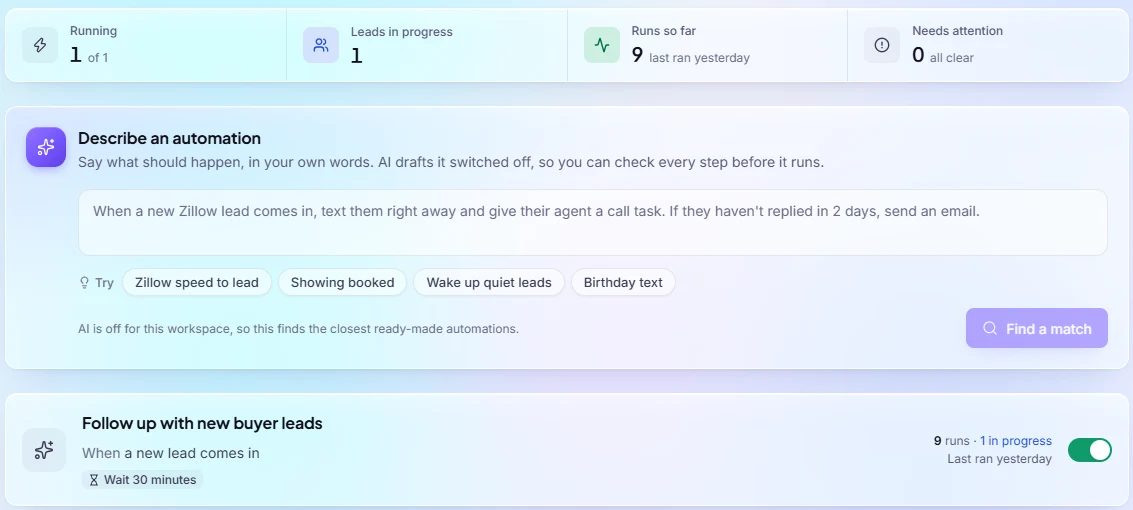
On Pro and up, review each campaign's email, SMS and task steps and sending windows. Genuine text, email or chat replies always stop the lead's remaining campaign actions; choose separately whether a new booking should stop the campaign. SMS uses the selected eligible texting provider; activated smrtPhone needs a usable verified line. Recipient consent, contact restrictions, plan limits and pacing still apply.
Review each sending route and the responsible owner before enrolling the seller.
Replace the old plan after a reply or booking
Read the response, complete the previous task and record the agreed next step. Stopping a campaign does not complete separate tasks for you. If the seller asks to stop contact, review pending work and contact preferences.
Update the next action and review any remaining active sequences.
Illustrative seller scenario
A callback that depends on a tenant's timeline
In this fictional example, Avery says the Oak Street rental may be available after the tenant moves. Morgan records the date as unconfirmed, owns a task to ask for an update, and uses email as Avery requested. A later reply leads to a consultation booking, after which Morgan reviews the old callback task and campaign enrollment.
Seller follow-up email examples
Adapt these illustrative drafts to the seller's actual conversation and agreed contact preferences. Review each message before sending.
The seller requested a callback
- Subject
- Our agreed follow-up about Oak Street
- Message
- Hi Avery, You asked me to reconnect about the Oak Street property this week. Is the timing we discussed still convenient, or would another day work better? If anything has changed, let me know what would be useful to cover when we speak. Morgan
Matching task
Confirm Avery's preferred callback time on the agreed day; record the response and time zone.
The selling timeline is still unclear
- Subject
- Checking the timing for Oak Street
- Message
- Hi Avery, When we last spoke, the tenant's move-out date was still unconfirmed. Has that changed, or would you prefer that I check back later? I can plan our next conversation around the timing that works for you. Morgan
Matching task
Record the confirmed timeline or the seller's requested next check-in date; leave unknown dates unconfirmed.
After a seller consultation
- Subject
- Next step from our Oak Street conversation
- Message
- Hi Avery, Thanks for speaking with me. We discussed confirming property access and whether the co-owner can join the next conversation. Could you let me know who I should coordinate with and which times would be convenient? I will confirm the arrangement with you before treating a visit as booked. Morgan
Matching task
Confirm the access contact and co-owner availability, then book only the appointment the seller agrees to.
Set up your workspace for this workflow
Keep the sender and owner aligned
Each person connects their own mailbox. Campaign email uses the assigned lead owner's connected mailbox, so review ownership changes and connection readiness before relying on a sequence.
Use the right texting route
Activated smrtPhone can handle eligible manual, scheduled, campaign, automation and appointment SMS. Review its verified lines and the settings for that workflow. A held or unavailable selected smrtPhone route does not silently switch the message to another provider.
Common pitfalls and the next useful action
Following up without a new purpose
Replace a generic check-in with the specific unanswered question or timing the seller discussed. If the seller wants a later date, update the task rather than adding more overlapping contact.
Assuming a booking completed every task
Review separate callback tasks after the appointment arrives. Enable campaign stop on booking where appropriate, and confirm what is still open on the lead.
How this guide was reviewed
Reviewed the current campaign settings, task workflow and corresponding application source for this seller follow-up guide.
- Checked campaign plan eligibility, the lead-owner mailbox route, and holds when the sending connection or allowance needs attention.
- Checked that genuine text, email and chat replies always stop remaining campaign actions, while stop on booking is optional and applies to a new booked appointment. Moving, editing or canceling an appointment does not trigger that booking stop.
- Checked that separately created callback tasks need their own review and that SMS steps use the selected activated texting provider with their own readiness and contact checks.
This was a source and interface review, not a new live mailbox or delivery test. Examples are fictional. The linked recording predates always-on reply stopping and shows the older reply-stop toggle. The free planner and email templates do not send messages, enroll leads or create CRM tasks.
Related workflows and setup guides
Seller lead follow-up questions
Which CLP plans include nurture campaigns?
Nurture campaigns are available on Pro and higher plans. You can also organize work with individual tasks and supported manual messages. Check current pricing for plan allowances.
Can I run automated seller follow-up through smrtPhone?
Yes. Eligible scheduled, campaign, automation and appointment SMS can use an activated smrtPhone connection with a usable verified number. Recipient consent and contact restrictions, plan eligibility, sending windows, pacing and the workflow's settings still apply. The linked recording shows fictional preview controls, not a live provider send.
Can follow-up stop after a seller replies or books an appointment?
Genuine incoming text, email or chat replies automatically stop the lead's remaining campaign actions; this is always on. Notes, provider status updates and automatic replies are not genuine seller replies. Stop when an appointment is booked is a separate optional campaign setting. A new booked appointment can stop the applicable active enrollment when enabled; editing, rescheduling or canceling an appointment does not trigger that booking stop. Review separate tasks and other sequences as well.
Whose email address sends campaign emails?
Campaign emails use the assigned lead owner's connected mailbox. Each owner needs a working mailbox connection and available sending allowance. Messages can wait when either needs attention.
Do the sample messages send automatically?
No. These are illustrative email drafts to adapt and review. Reading or copying them does not enroll a lead, send a message or create a task.
Try this workflow with your next seller lead
Start a 14-day free trial, set up your channels, and walk through the steps with a test lead.